Dolly zoom
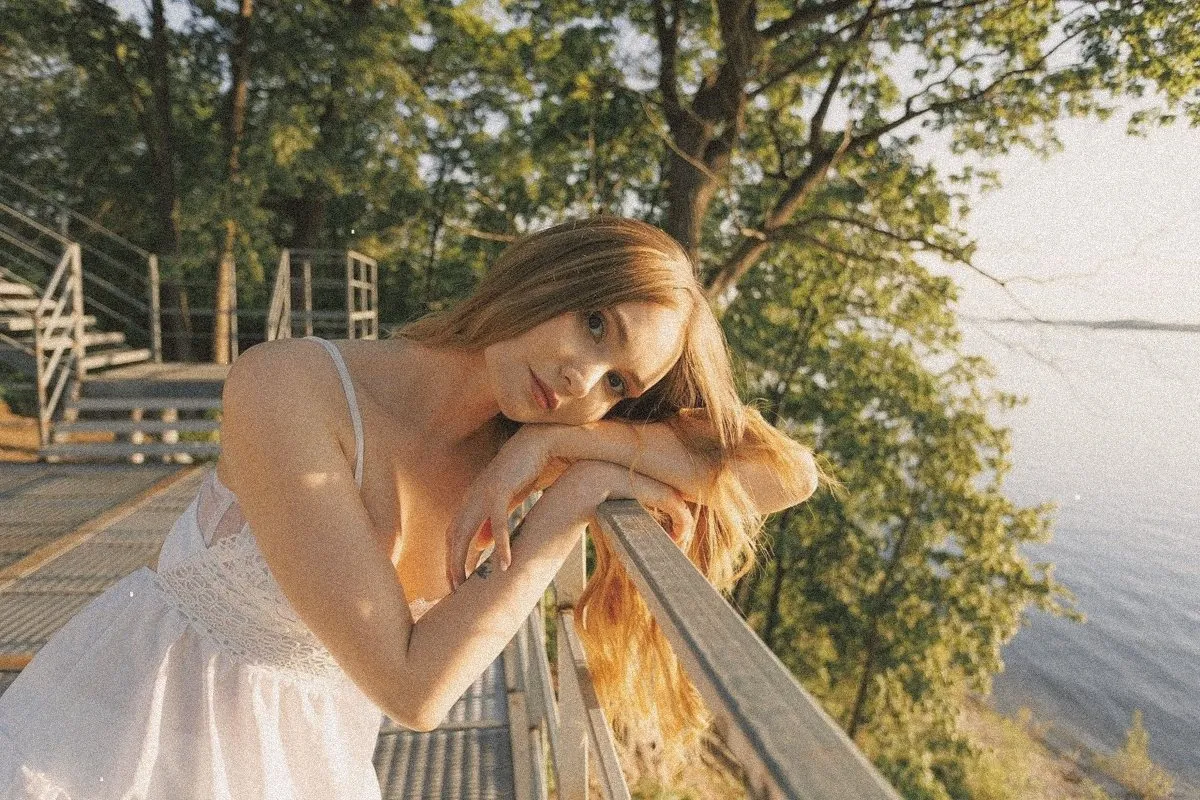
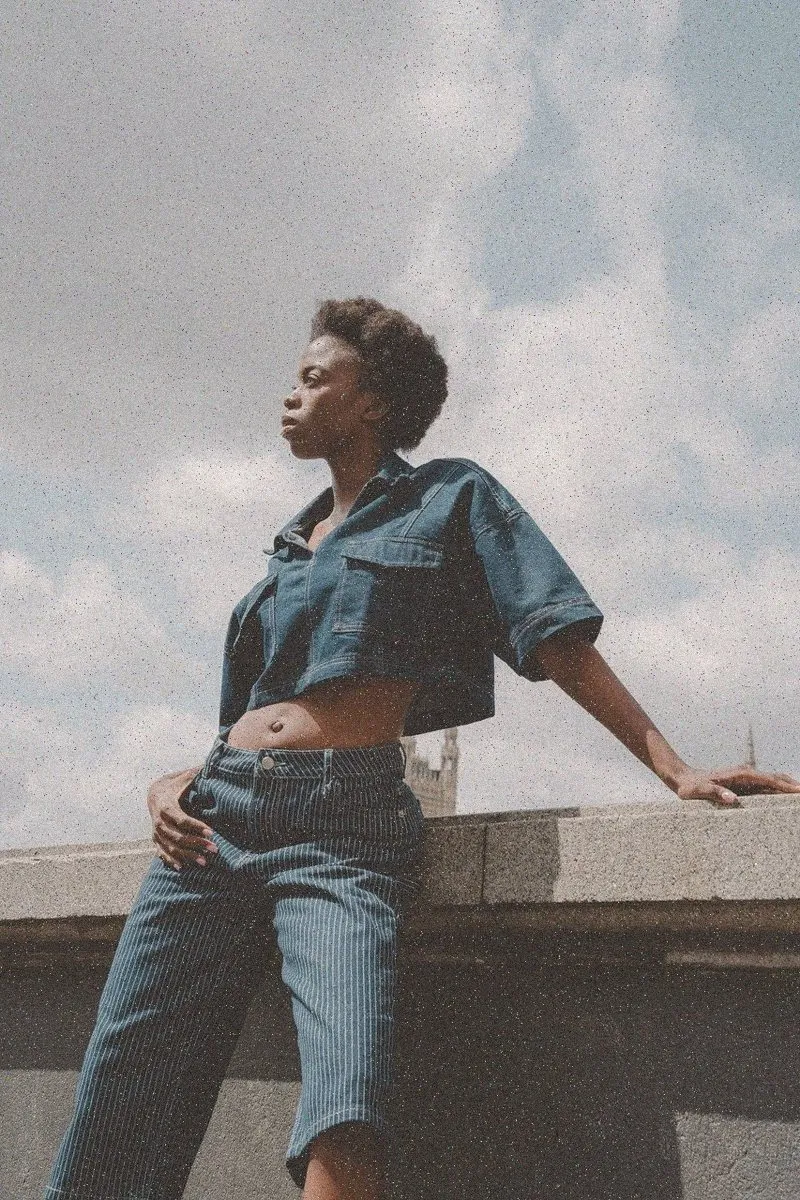
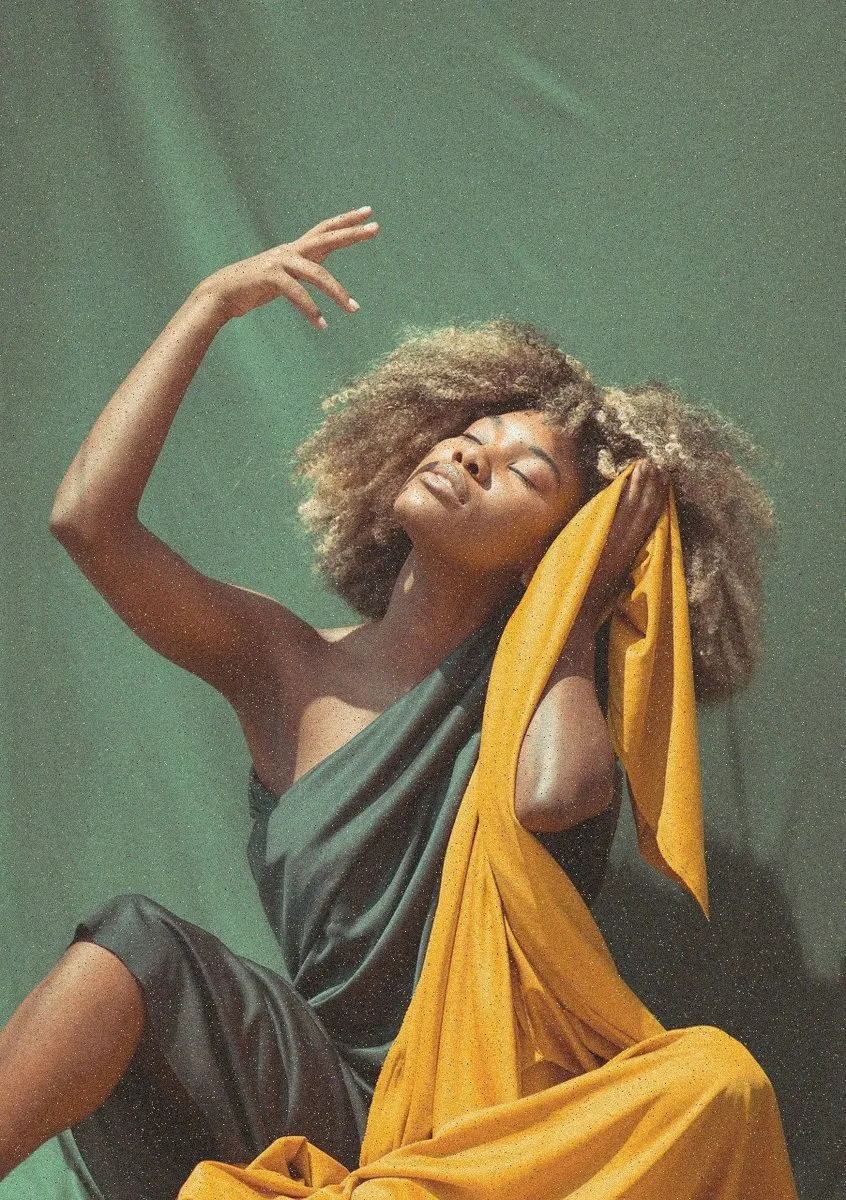
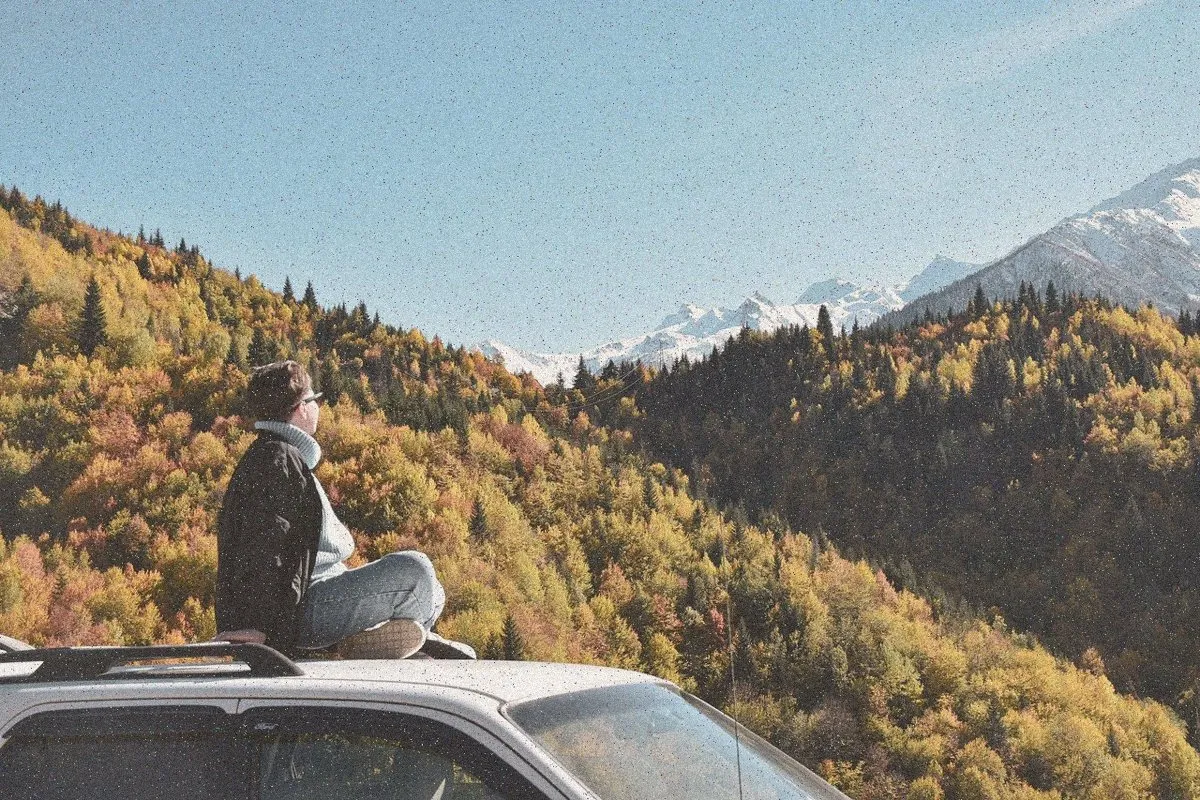
The background stretches while the subject stays put. The vertigo shot.
- Best with
- A subject with depth behind them
- Models
- Veo 3.1, Kling 3.0
- Length
- 3 to 5 seconds
- Cost
- From 70 credits
How to use it
- 1Pick a frameA start frame with one clear subject, from your footage or your Library.
- 2Choose Dolly zoomIn Generate, or ask the Assistant for “a dolly zoom on Jess”.
- 3Drop it inIt lands on the timeline at the playhead, labelled as generated.
What Shots sends the model
Dolly zoom: camera pulls back while zooming in, subject stays the same size, background stretches. Smooth, cinematic.
You can edit this before you generate.