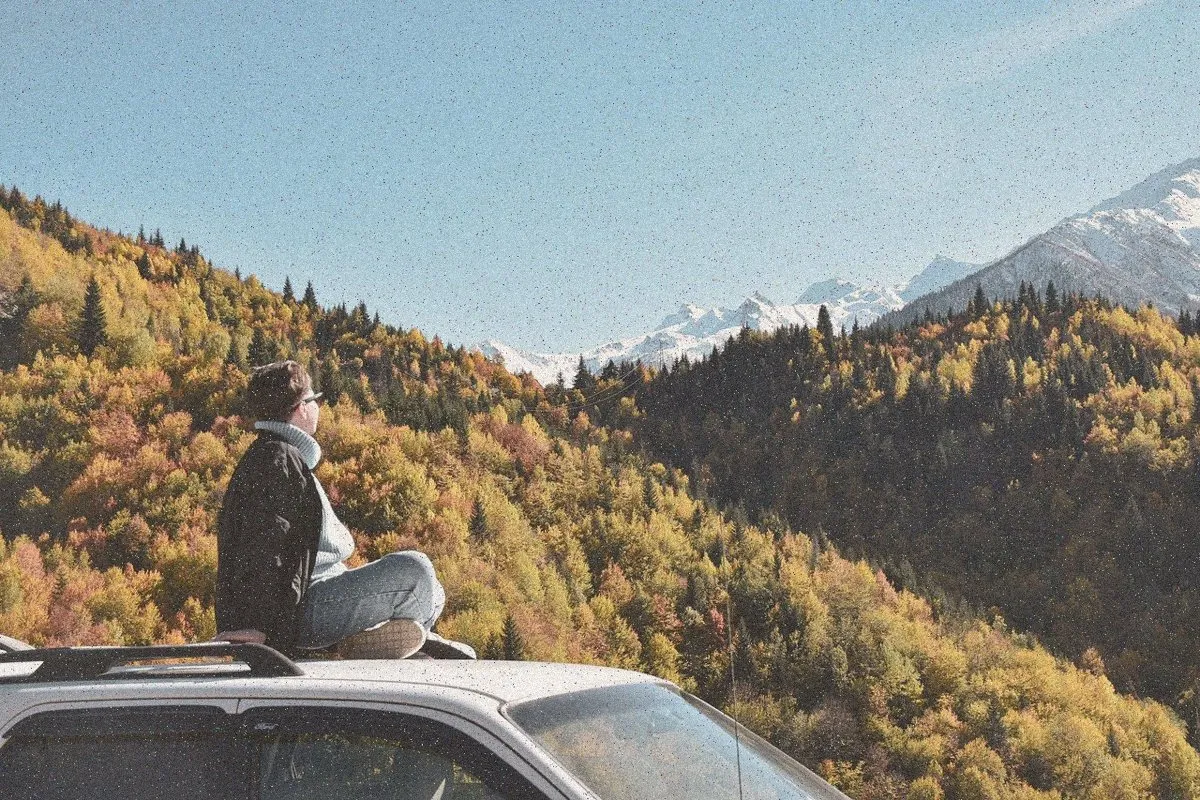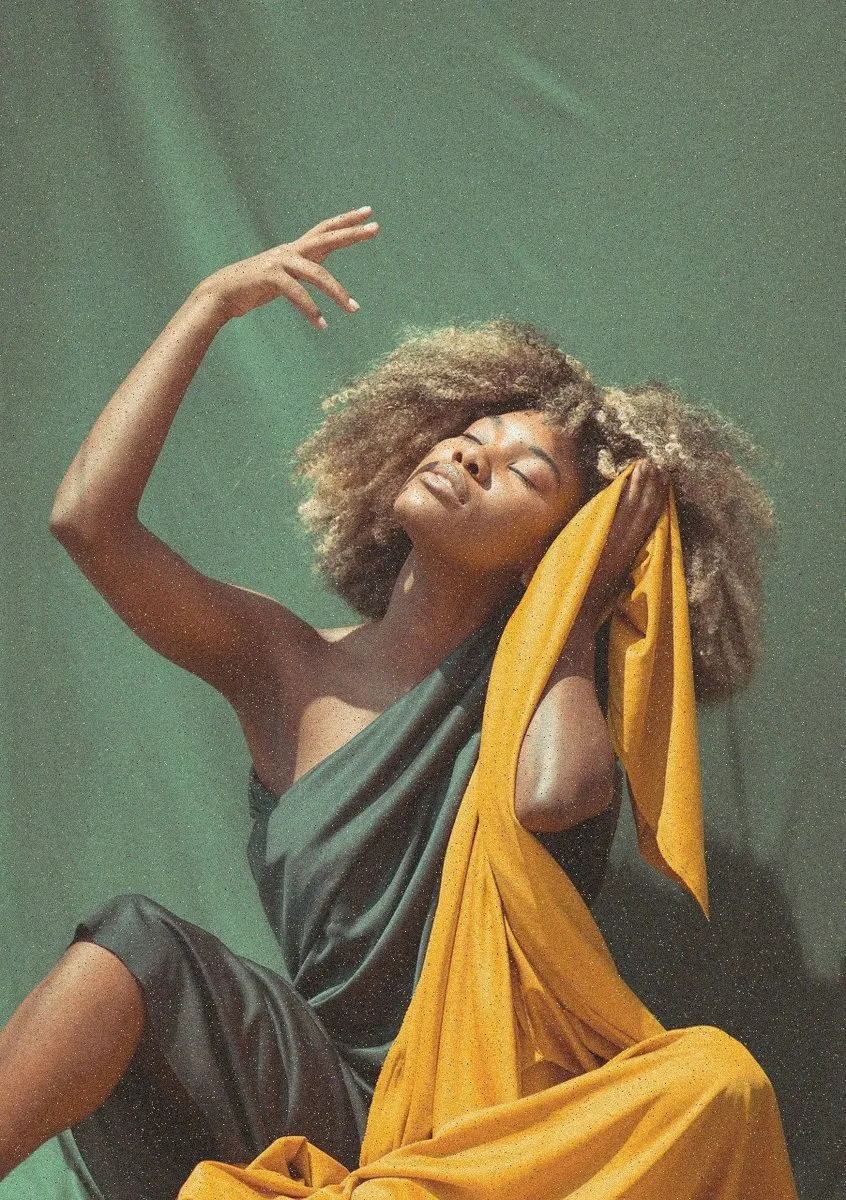
Match cut
One shape becomes the same shape somewhere else.
- Best with
- Two shots with a shared shape or movement
- Models
- Kling 3.0, Veo 3.1
- Length
- 2 seconds
- Cost
- From 70 credits
How to use it
- 1Pick a frameA start frame with one clear subject, from your footage or your Library.
- 2Choose Match cutIn Generate, or ask the Assistant for “a match cut on Jess”.
- 3Drop it inIt lands on the timeline at the playhead, labelled as generated.
What Shots sends the model
Match cut: the subject’s shape lines up and continues into the next scene.
You can edit this before you generate.