Talking photo
A photo says your script in your voice.
- Best with
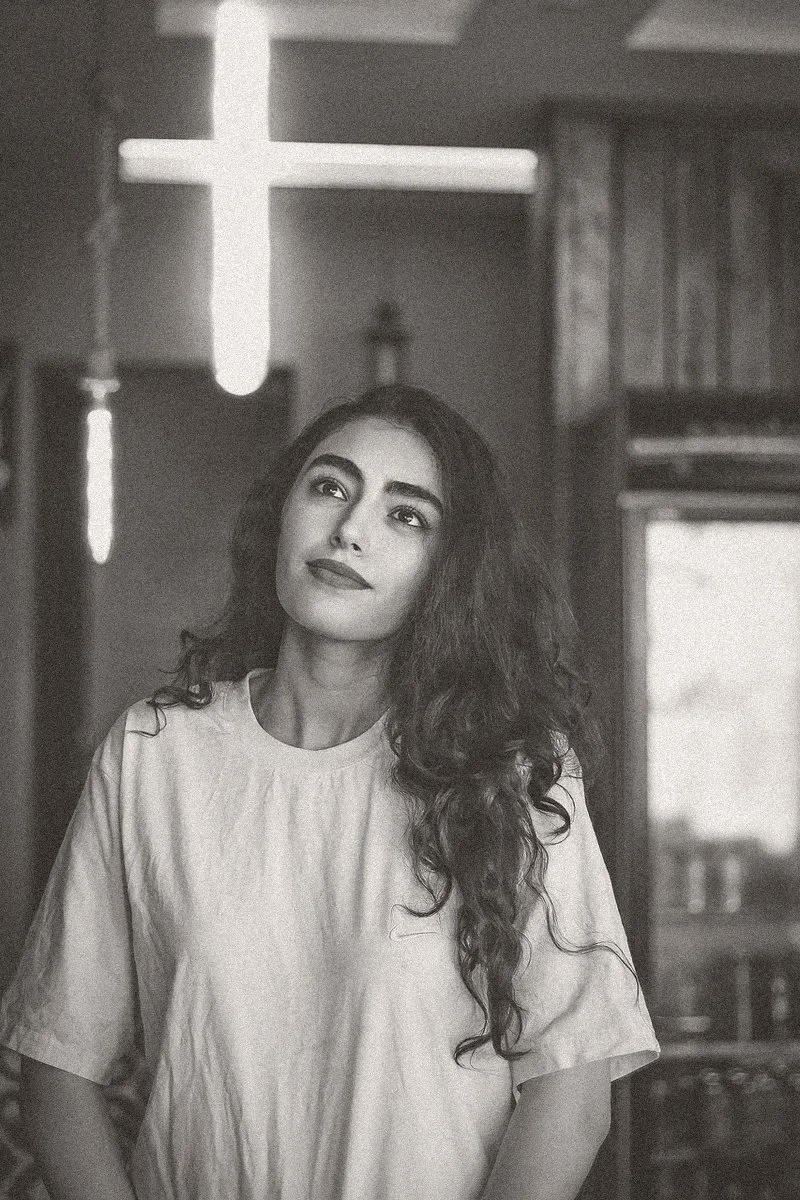
- A face looking at camera
- Models
- Kling 3.0, Veo 3.1
- Length
- Up to 30 seconds
- Cost
- From 70 credits
How to use it
- 1Pick a frameA start frame with one clear subject, from your footage or your Library.
- 2Choose Talking photoIn Generate, or ask the Assistant for “a talking photo on Jess”.
- 3Drop it inIt lands on the timeline at the playhead, labelled as generated.
What Shots sends the model
The person in the photo speaks the script naturally, lips in sync, small head movements.
You can edit this before you generate.