Slow push in
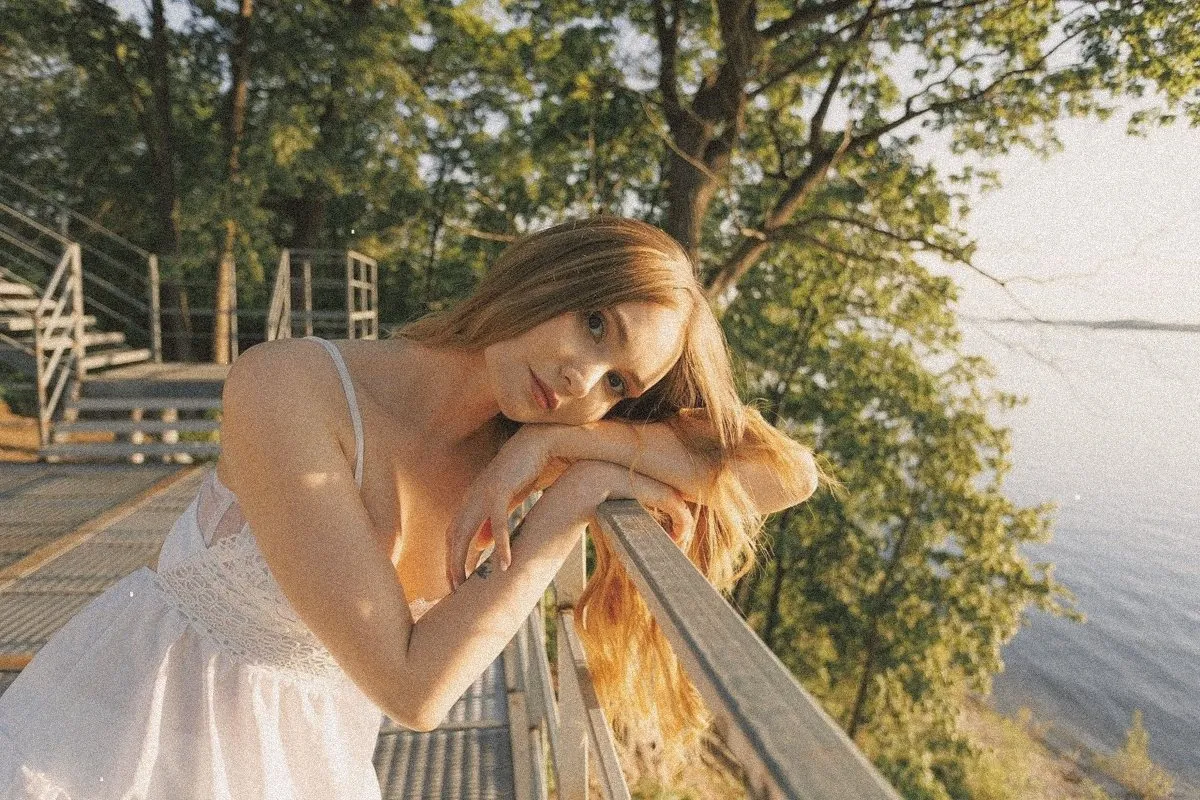
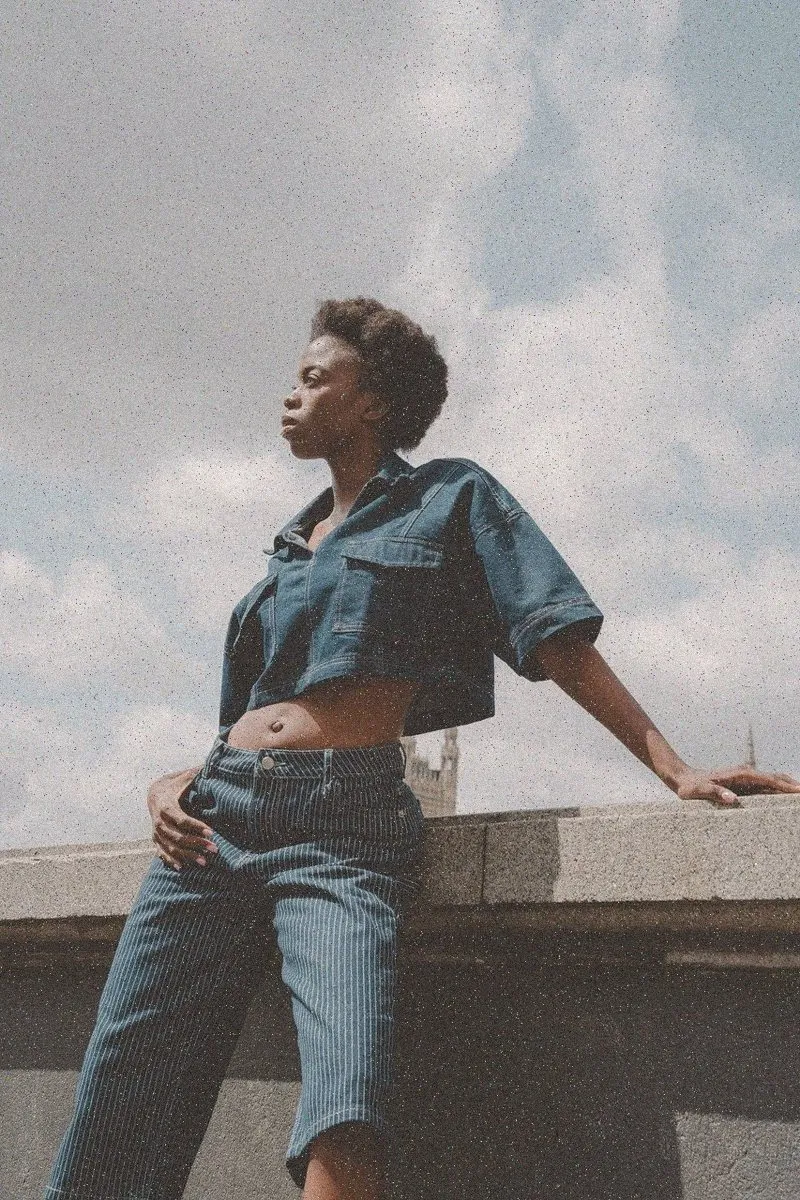
A slow, steady move closer. Makes a quiet moment feel important.
- Best with
- Faces, products and anything still
- Models
- Seedance 2.5, Veo 3.1
- Length
- 4 to 8 seconds
- Cost
- From 40 credits
How to use it
- 1Pick a frameA start frame with one clear subject, from your footage or your Library.
- 2Choose Slow push inIn Generate, or ask the Assistant for “a slow push in on Jess”.
- 3Drop it inIt lands on the timeline at the playhead, labelled as generated.
What Shots sends the model
Slow dolly push in towards the subject, perfectly smooth, shallow depth of field.
You can edit this before you generate.